







Generator
History
AI Floor Plan Generator
Change Tool
Model
Base
Switch
Reference floor plan
Upload
BedRoom
-
2
+
BathRoom
-
1
+
Gross Area
Unit metric
 imperial
metric imperialArea
< 50㎡
50-80㎡
80-100㎡
100-120㎡
120-150㎡
> 150㎡
Extras
Looking for any specific?
e.g. Modern style living room with bright colors, soft lighting and minimalist design.
 Count
Count
Transform Concepts to Reality with Ideal House AI Floor Plan Generator
Unlock the power of instant architectural design with Ideal House’s AI Floor Plan Generator. Quickly visualize your dream home or next renovation project with stunning 2D floor plans that lay the groundwork for incredible 3d home design. Our intuitive tool lets you define spaces, experiment with layouts, and create professional-grade floor plans in minutes, setting the stage for comprehensive 3d home design.
Generate My Floor Plan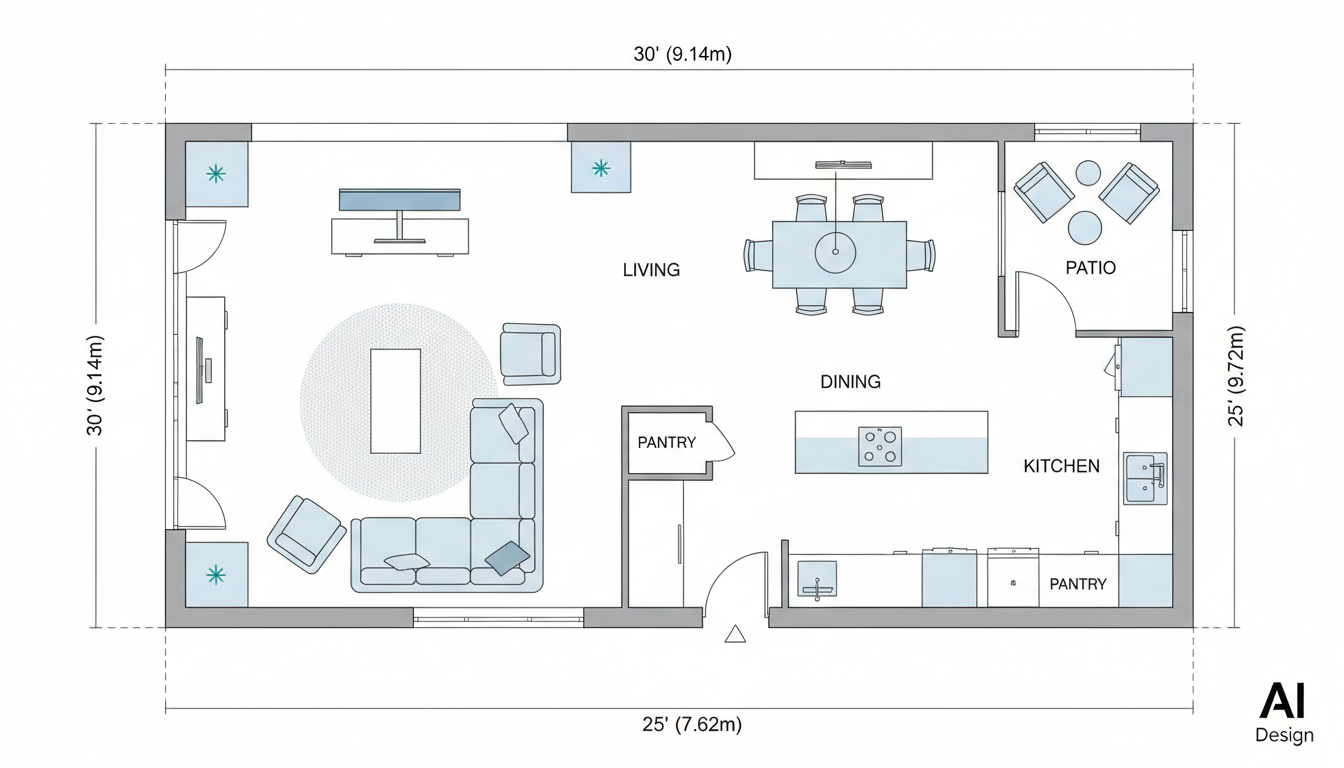


Experience the Future of 3D Home Design with AI
Speed & Efficiency in Floor Plan Creation
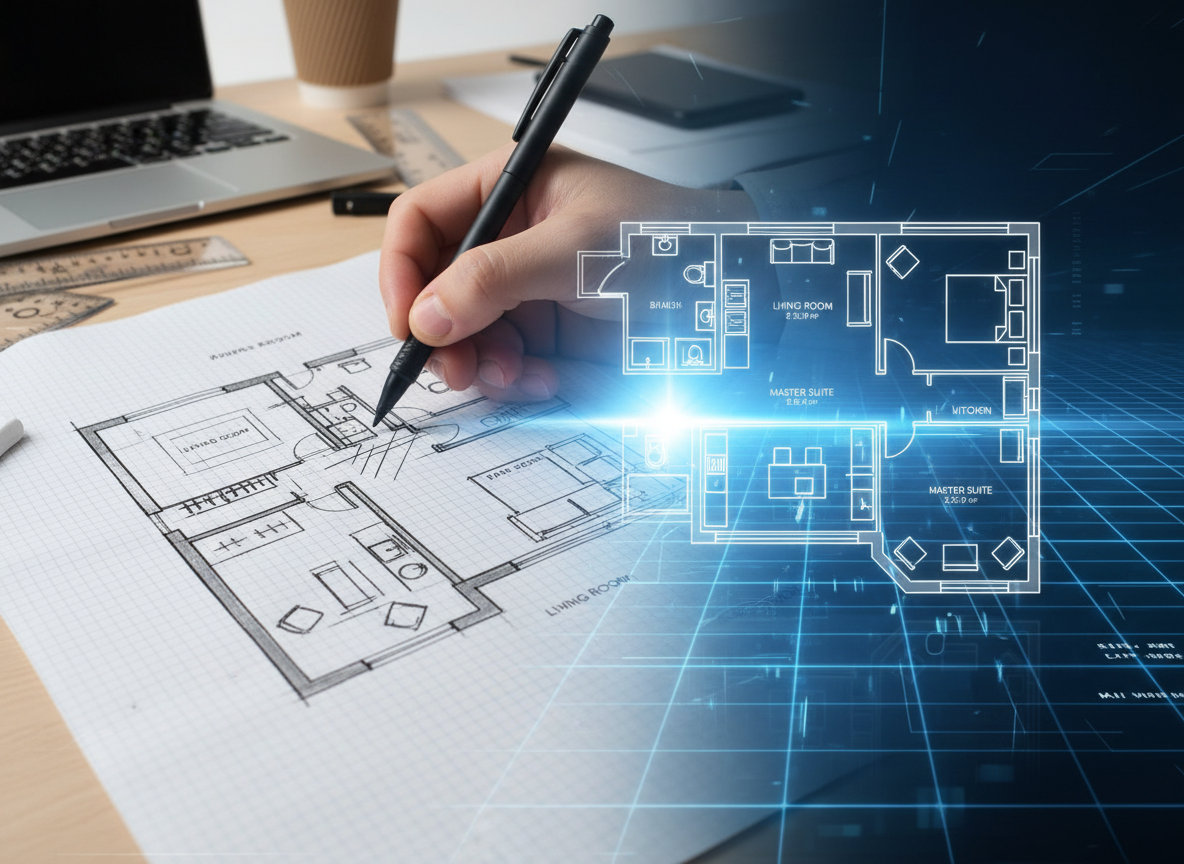
Gone are the days of manual drafting. Our AI Floor Plan Generator provides lightning-fast 2D floor plans, perfect for rapidly exploring various layouts. This swift visualization capability means you spend less time drawing and more time refining your vision, pushing your 3d home design forward faster.
Precision & Customization for Every Space
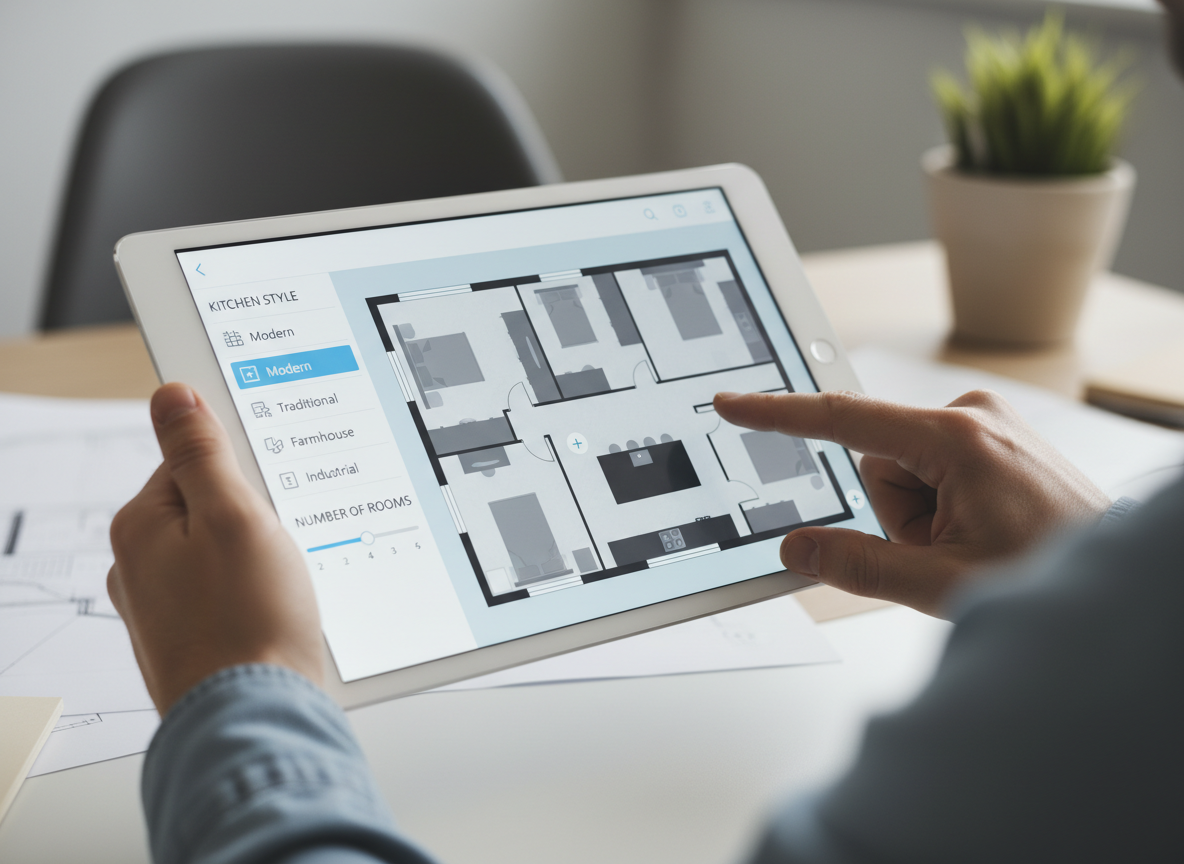
From specifying bedrooms and bathrooms to choosing an open or closed kitchen, our tool offers unparalleled control. Add crucial elements like a walk-in closet or home office to craft a floor plan that truly reflects your needs. This granular control ensures your initial 2D layout perfectly supports your eventual 3d home design ambitions.
Realistic Visualization for Better Decisions
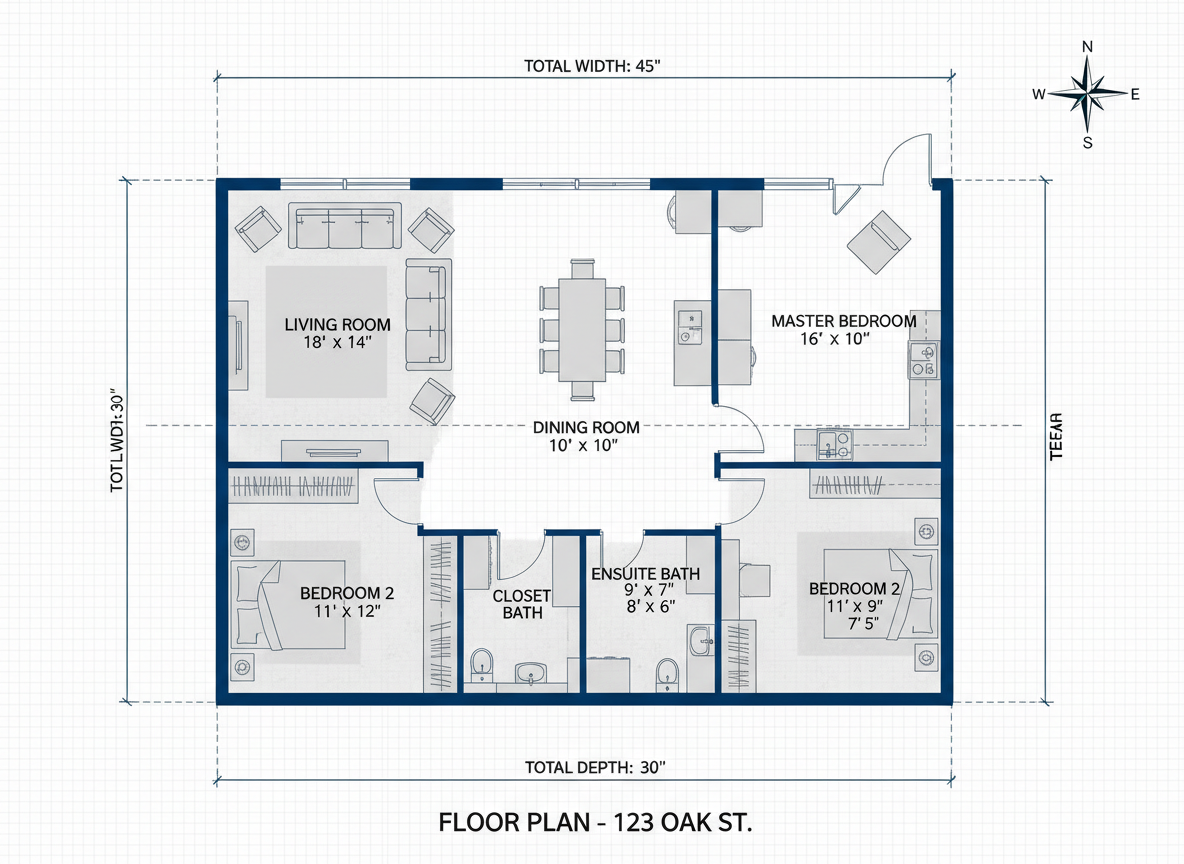
Ideal House excels at turning your parameters into clear, presentation-ready 2D floor plans. This realistic output is invaluable for homeowners, designers, and real estate professionals. It provides a solid foundation for further 3d home design development and helps in making informed decisions about space planning and flow.
Seamless Integration with Your Design Workflow
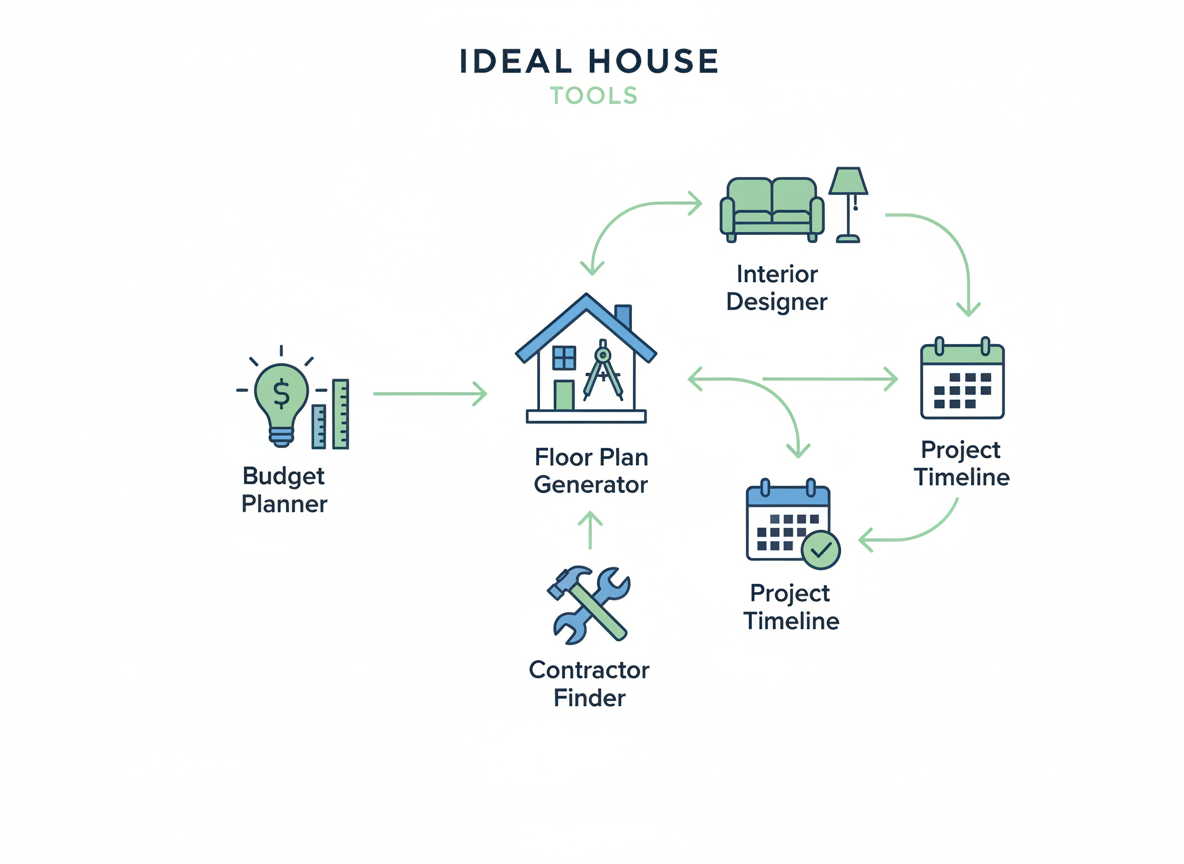
Our AI Floor Plan Generator isn't just a standalone tool; it's a vital first step in your broader 3d home design journey. Generate and iterate on floor plans, then seamlessly transition to other Ideal House tools for virtual staging or interior remodeling, ensuring a cohesive and efficient design process from start to finish.

Who Benefits from Our AI Floor Plan Generator?

Homeowners & DIY Planners seeking to design your own home without professional help.

Interior Designers & Decorators needing quick concepts and interactive floor plans for clients.

Real Estate Agents & Developers requiring clear 2D floor plans for listings and new home construction.

Contractors & Consultants who want to visualize project scope and discuss options with clients using residential design tools.

Generate Your Perfect Floor Plan for Your 3D Home Design
1
Set Rooms: Choose your desired number of bedrooms (0-4) and bathrooms (1-3) to begin your 3d home design blueprint.
2
Choose Kitchen Style: Decide between an open or closed kitchen layout, influencing the flow of your home design app experience.
3
Pick Gross Area: Select a size range to guide the overall proportions and space planning of your virtual home design.
4
Add Extras: Incorporate features like a walk-in closet, laundry room, home office, garage, or balcony to customize your house layout planner.
5
Generate & Review: Click 'Generate' to see your 2D floor plan. Review and refine, saving versions for your custom home design.
6
Download & Share: Export your interactive floor plans as an image or PDF to share with clients or for home renovation ideas.
Frequently Asked Questions About 3D Home Design and Floor Plans
How does the AI create a floor plan from my selections?
Our AI floor plan generator interprets your choices for beds, baths, kitchen style, gross area, and extras. It then applies smart rules of adjacency and circulation to draft a clean 2D floor plan. Each generation provides a fresh concept, perfect for evolving your 3d home design ideas. It’s an advanced home design app at your fingertips.
What customizable options are available for my 3d home design?
You can set bedrooms (0-4), bathrooms (1-3), and choose between an open or closed kitchen. Select a gross area range and add multiple extras like a walk-in closet, home office, or balcony to shape your ideal house layout planner. These features are key for comprehensive 3d interior design.
What impact does 'Gross Area' have on the floor plan?
The 'Gross Area' range is crucial for guiding the overall scale of your design. Choosing the closest band ensures that rooms and corridors are proportioned realistically, providing a more believable foundation for your 3d home design visualization. This helps with effective space planning.
Can I compare different versions of my floor plans?
Absolutely. Every floor plan generation is automatically saved to your 'Generation History.' You can easily use filters and view options to compare multiple drafts side-by-side, helping you pick the best layout for your 3d home design project.
How quickly does the AI Floor Plan Generator produce results?
Most floor plans are generated in mere seconds, allowing for rapid iteration and exploration of various design possibilities. This speed is a major advantage when planning your new home construction or home remodeling tool projects, enabling efficient architectural design.
Enhance Your 3D Home Design Journey with Related Tools

Ready to Experience Effortless 3D Home Design?
Map your space in minutes with a clear 2D floor plan—simple, fast, and share-ready with our AI Floor Plan Generator. The first step towards brilliant 3d home design starts here.
Create My Floor Plan
Ideal.House is more than a platform—it's your all-in-one home design ecosystem. Dive into powerful AI tools such as Interior Remodel, Exterior Renovator, and Landscaping to craft stunning spaces, and let HouseGPT guide you with tailored suggestions for planning, styling, and furnishing. Connect with a passionate community to swap ideas and advice, then take your designs from concept to completion with handpicked products matched to your taste.
At Ideal.House, we've built a space where technology, creativity, and collaboration come together to redefine home design.
At Ideal.House, we've built a space where technology, creativity, and collaboration come together to redefine home design.
Technical support [email protected]



💰 Earn 10% commission as a Ideal House Affiliate Partner.
Join us